ASUS ROG ZEPHYRUS G14
ASUS ROG ZEPHYRUS G14
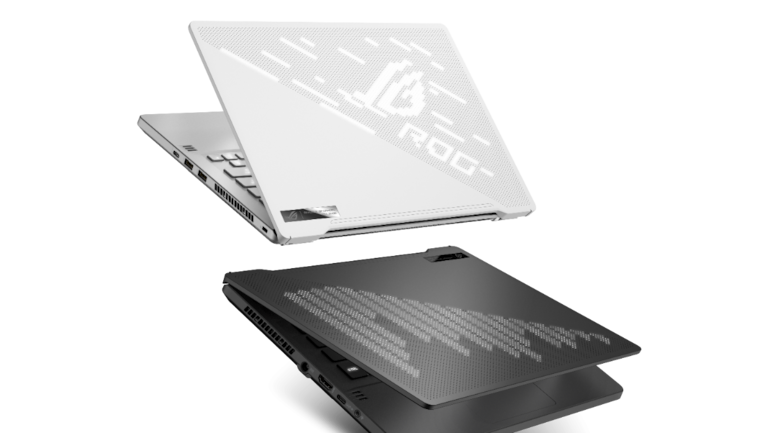
Asus ROG Zephyrus G14 is a Windows 10 Home laptop with a 14.00-inch display that has a resolution of 1920x1080 pixels. It is powered by a Ryzen 5 processor.
Graphics are powered by Nvidia GeForce GTX 1650. Connectivity options include Wi-Fi 802.11 a/b/g/n/ac, Bluetooth and it comes with 4 USB ports, HDMI Port, Lock Slot, Headphone and Mic Combo Jack ports.
| Brand | ASUS |
|---|---|
| Manufacturer | Asus |
| Colour | Moonlight White |
| Form Factor | Notebook |
| Item Height | 0.7 Inches |
| Item Width | 8.7 Inches |
| Standing screen display size | 14 Inches |
| Resolution | 1920 x 1080 Lines Per Inch |
| Product Dimensions | 32.51 x 22.1 x 1.78 cm; 1.65 Kilograms |
| Item model number | GA401IV-BR9N6 |
| Processor Brand | AMD |
| Processor Count | 2 |
| RAM Size | 16 GB |
| Computer Memory Type | DDR DRAM |
| Hard Drive Size | 1 TB |
| Hard Disk Description | SSD |
| Hard Drive Interface | Solid State |
| Graphics Coprocessor | NVIDIA GeForce RTX 2060 |
| Graphics Chipset Brand | NVIDIA |
| Connectivity Type | Wi-Fi |
| Hardware Platform | PC |
| Operating System | Windows 10 |
| Are Batteries Included | Yes |
| Number Of Lithium-Ion Cells | 4 |
| Manufacturer | Asus |
| Item Weight | 1 kg 650 g |
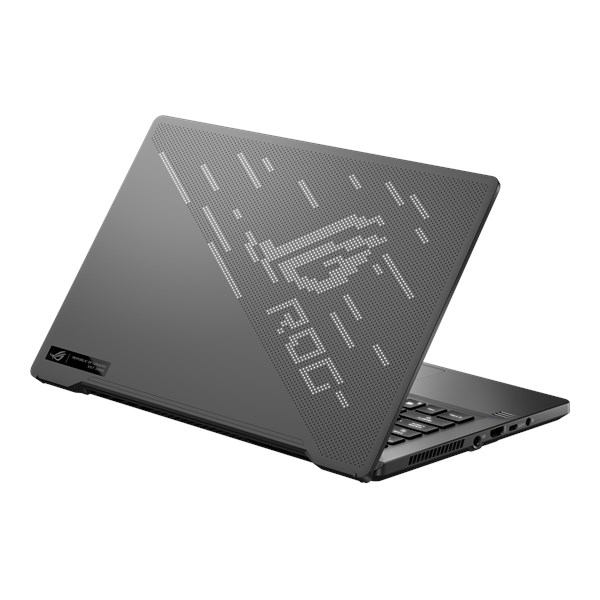
Asus ROG Zephyrus G14 display
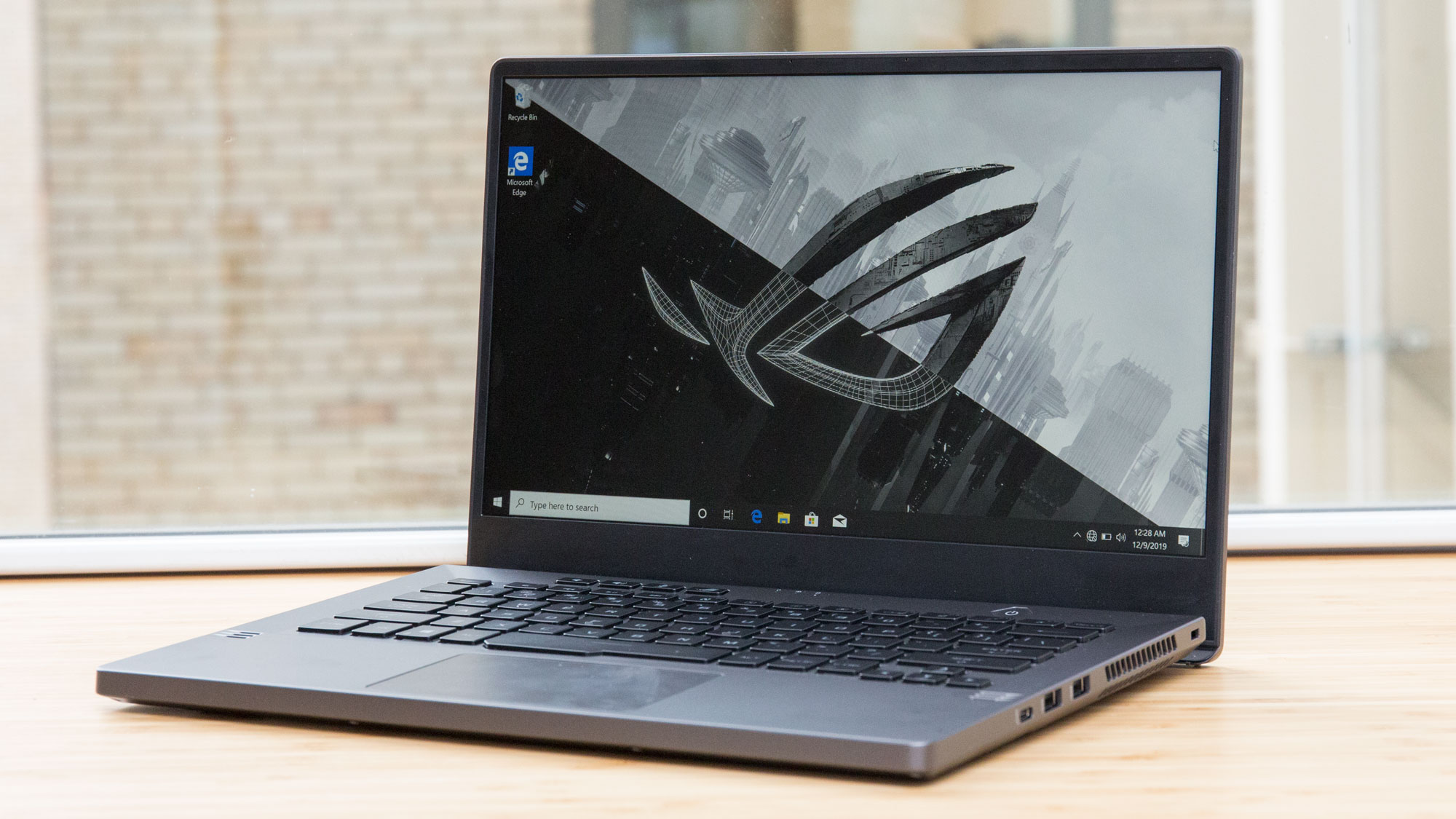
The Zephyrus' 14-inch, 1920 x 1080 panel boasts a 120Hz refresh rate with AMD FreeSync, which eliminates screen tearing. Yes, AMD. Even though the Zephyrus G14 packs an Nvidia GPU, its display works with AMD's FreeSync technology, thanks to a driver Nvidia released last year.
Asus ROG Zephyrus G14 keyboard and touchpad
Whether you're typing 2,000-word articles or showing hell who's boss in Doom Eternal, these keys are ready for anything. The Zephyrus G14 even features Asus' Ergolift technology, so you can type at an angle.
The 4.1 x 2.4-inch touchpad is soft to the touch, but it offers one of the shallowest clickers I've tested. However, thanks to the Windows Precision drivers, the surface responded well to two-finger scrolling and three-finger tabbing.
Asus ROG Zephyrus G14 audio
There's only one detail that could've ruined the Zephyrus G14 for me: the speakers. But hot damn does Asus deliver. Powered by the included Dolby Access app, these two top-firing speakers blew me away.
You can mess with audio settings in the Dolby Access app, which provides a whole array of settings, such as Dynamic, Game, Movie, Music and Voice. For music, go with Dynamic, as it brought life to anything that I listened to. And for gaming, you'll want to go with Game, as it'll highlight the sharper sounds instead of rounding them out with unnecessary bass. There are also custom presets that you can customize with full EQs.
Asus ROG Zephyrus G14 gaming, graphics and VR
Packed under the hood of the Zephyrus G14 is an Nvidia GeForce RTX 2060 Max-Q GPU with 6GB of VRAM that ripped and tore through Doom Eternal at 90 frames per second (fps) at 1080p on Ultra settings as I hopscotched with my shotgun up in demons' faces.
The Zephyrus G14 scored 87 fps on the Hitman benchmark (Ultra, 1080p), which, once again, climbs above the 86-fps category average and the Scar III (86 fps). However, the G7 15 excelled, hitting 117 fps.

Asus ROG Zephyrus G14 performance
The Zephyrus G14 is touting AMD's prized beast: the Ryzen 9 4900HS processor, which ran through 40 Google Chrome tabs and five 1080p YouTube videos while Doom Eternal ran in the background without a sweat.
On the Geekbench 4.3 overall performance test, Zephyrus G14's AMD CPUproved to be more than capable, scoring 30,181, which obliterates the 20,995 mainstream gaming laptop average. It also made short work of the Intel Core i7-9750H CPU found in the G7 15 (23,863) and the Scar III (23,196).
Asus ROG Zephyrus G14 battery life
Along with the Zephyrus G14's killer performance, what stands out about the laptop is its wild battery life. After the Zephyrus continuously surfed the web over Wi-Fi at 150 nits of brightness, its battery died at 11 hours and 32 minutes.


Comments
Post a Comment